
Google Play Store
Google Play Store is Google's digital distribution platform for Android, used to find, install and update apps, games and books.
101.1 MB

6.5.11 · JoeyKrim · Page updated
Root Checker is a free Android app by JoeyKrim that tells you whether root access works on your phone. The current version is 6.5.11.
Average 0.0 · ratings: 0
Thank you! Your rating is saved; you can change it. Could not save the rating. Please try again later. Too many ratings from your network today. Please try again tomorrow. The average appears after 5 ratings.
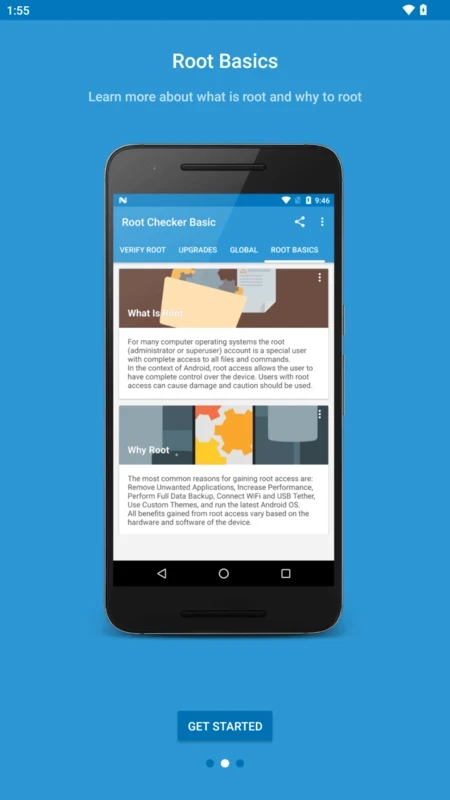
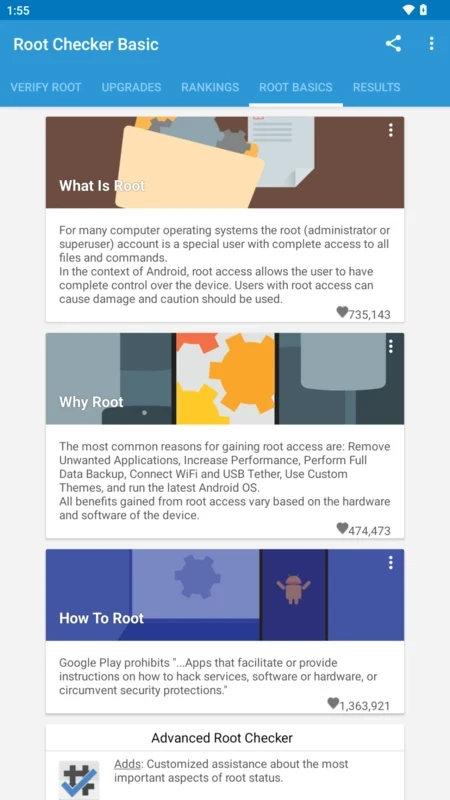
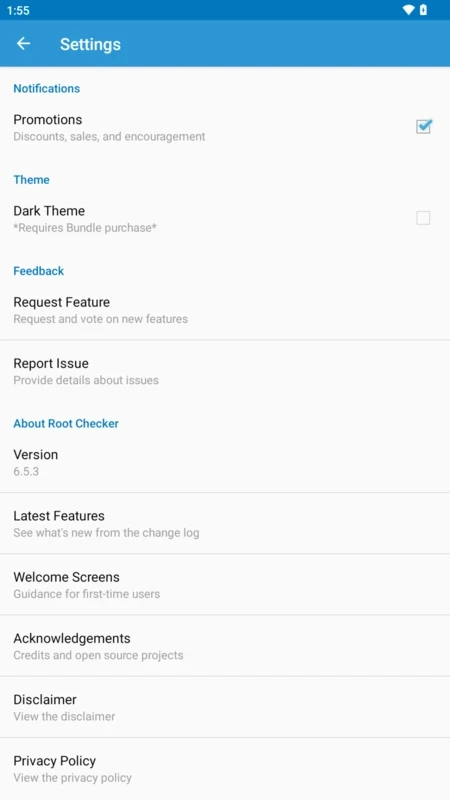
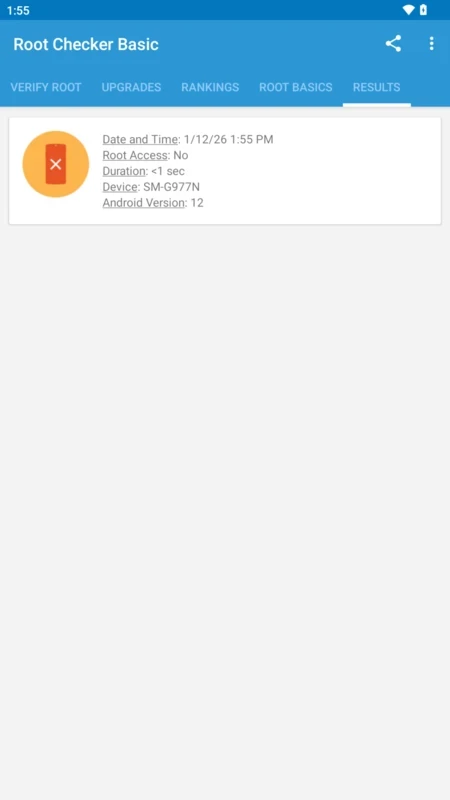
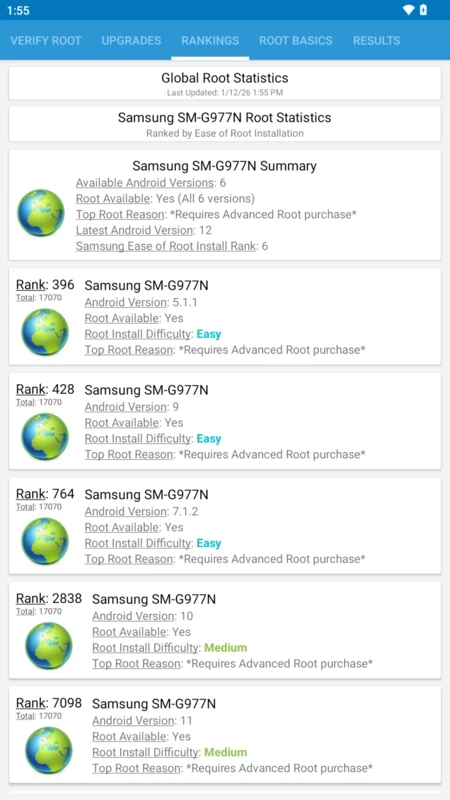
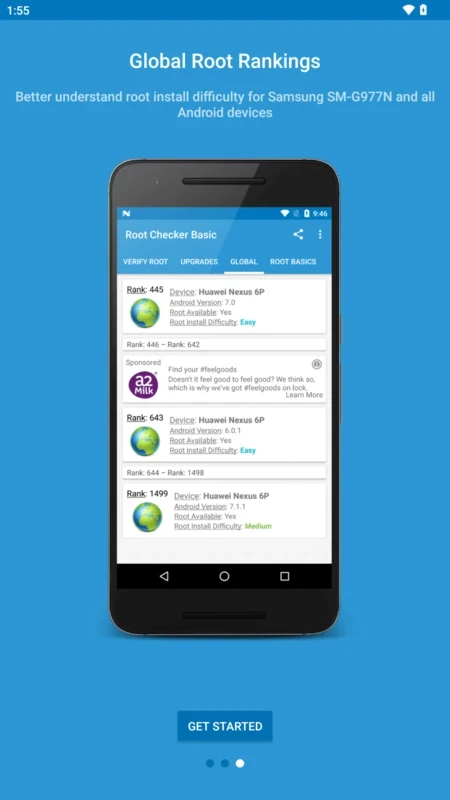
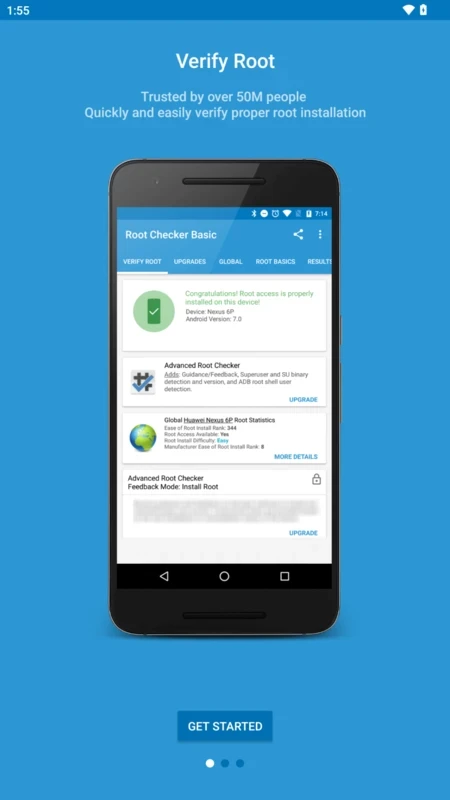
Root Checker 6.5.11 for Android is a free app by JoeyKrim that answers one question: does your phone have working root access? This version is dated 16 September 2026.
It is the tool people install right after trying to root a phone, and also before buying a used device that should not be rooted at all.
| Version | 6.5.11 |
|---|---|
| Size | ≈ 11.39 MB (catalogue data) |
| Developer | JoeyKrim |
| License | Free |
| Platform | Android |
| Updated | 16 September 2026 |
Rooting tools often report success even when something went wrong, and a phone can also be rooted without the current owner knowing, for example when it was bought second-hand. Root Checker settles the matter. It looks for the files and permissions that root access leaves behind and then tries to use them, so the result reflects what really works, not just what is installed. The answer is a clear yes or no on a single screen, along with basic details about the device and its Android version. That is useful after using a rooting utility, before installing apps that require root, and when support for a banking app insists your phone looks modified. It does not change anything on the phone and does not try to root it; it only reports what it finds.
Yes, as long as you get the genuine app. Root Checker only reads information and asks for root permission solely to test it. After the check you can revoke that permission in your root manager.
The app is freeware; the basic check costs nothing.
A red result right after a rooting attempt usually means the exploit did not work on your model or that a system update closed the gap. A green result on a phone you never rooted is a reason to reset it or contact the seller, because a rooted device has weaker protection. In both cases, running the check a second time after a restart helps rule out a one-off glitch.
Any Android phone with a little free storage. The check is compatible with rooted and non-rooted devices alike, which is the point.
If you are rooting a phone, run it last, after the rooting step is finished.
Google Play Store is Google's digital distribution platform for Android, used to find, install and update apps, games and books.

APKPure is a third-party app marketplace for Android that installs apps from APK files outside Google Play. This page covers version 3.20.7803.

Aptoide is an open-source alternative app store for Android, running since 2009. This page covers version 9.22.5.3.

QuickShortcutMaker is a small Android tool for creating home screen shortcuts to specific screens of installed apps, including hidden settings.